Fix guide
PUBG Mobile high ping: what mobile players can control
On mobile you cannot swap a network card or install a router plugin. So the useful choices are narrower. But the difference between a 5 GHz Wi-Fi session and a congested mobile data session can be enormous.
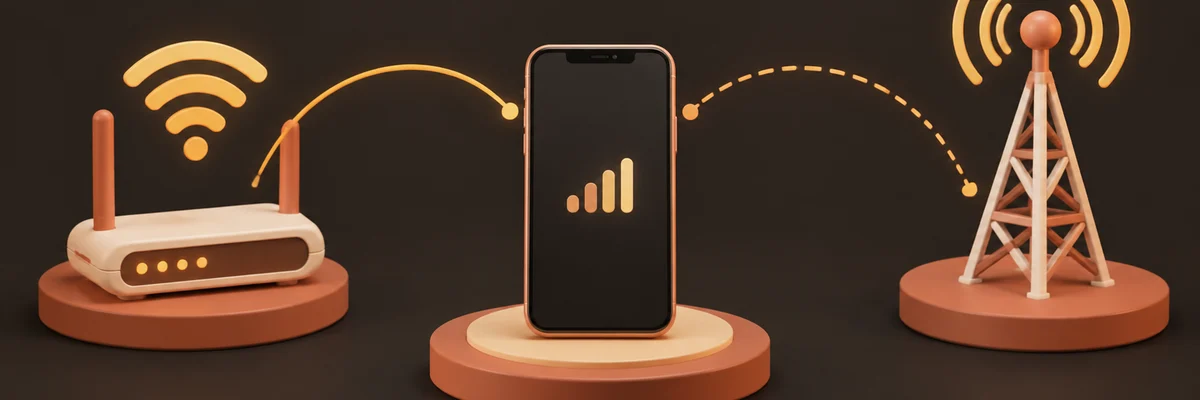
Choose the better of your two networks
Test a match on Wi-Fi and a match on mobile data. Do it in the same region, at the same time of day. Mobile data often has lower latency than a crowded 2.4 GHz Wi-Fi network. Wi-Fi is usually steadier. Whichever wins, play that way. If you are on Wi-Fi, be on 5 GHz with line of sight to the router.
Not sure where your problem is? Run the free test first — it takes about 45 seconds and tells you which of the fixes on this page actually apply to you.
Run the connection checkThings that genuinely help on mobile
- Close apps that sync in the background. Photo backup is the classic culprit.
- Play near the router instead of across two walls.
- Turn off battery-saver modes that throttle the network stack while gaming.
- Pick the closest server region the game offers.
- Avoid "ping booster" apps that claim to reroute traffic on a phone. They cannot change your ISP path without a VPN. A VPN usually makes mobile latency worse.
Where the vendor claim ends
Mobile acceleration products exist. Some support dual-channel Wi-Fi plus cellular. That is a real feature, but it is not magic. It can help when one of your two links is flaky. It does nothing when both are already good.