Fix guide
Does changing DNS reduce ping? No — here's what actually does
You hear it all the time: switch to a faster DNS and your ping drops. That is mostly wrong. It keeps spreading because it sometimes looks like it works.
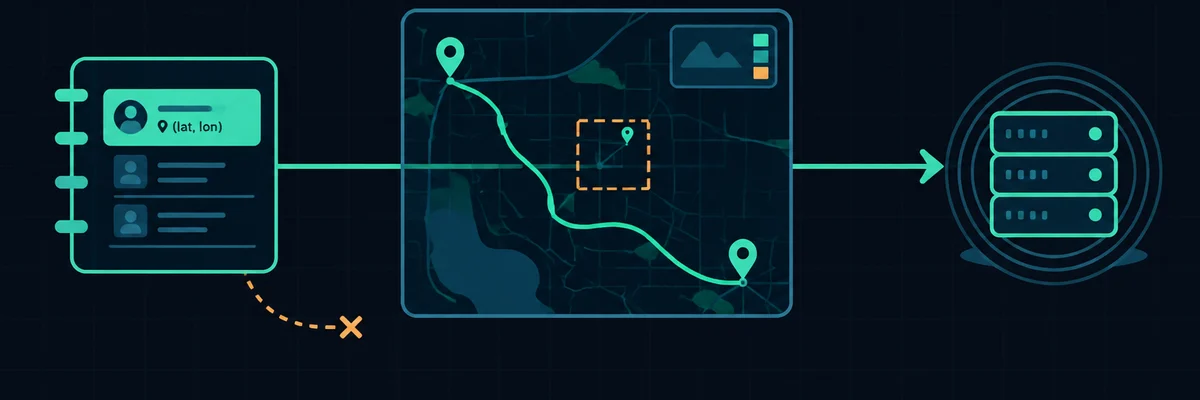
What DNS does
DNS turns a name like game.example.com into an IP address. It happens before your first packet to the game server. Usually it takes a few milliseconds, and it is cached after that. Once the address is resolved, DNS is out of the picture. It does not choose the route your match traffic takes.
Not sure where your problem is? Run the free test first — it takes about 45 seconds and tells you which of the fixes on this page actually apply to you.
Run the connection checkWhy it sometimes seems to help
- A slow DNS resolver delays the initial connection and matchmaking. That feels like lag until it is done.
- Switching DNS often means restarting your router or device. That clears a different, real problem.
- Some ISP resolvers redirect or fail on certain domains. A working resolver removes an error, not latency.
What actually reduces latency
- Removing wireless retransmission: cable, or 5 GHz with line of sight.
- Removing uplink saturation: stop background uploads and enable QoS/SQM.
- Choosing a closer server region, where the game allows it.
- Fixing double NAT.
- And only then — if one specific route is consistently worse than another at the same distance — looking at route optimisation on a trial.
The honest bottom line
A DNS change is free and harmless, so try it if you like. Just do not pay for it. And do not let it distract you from the things on the list above. Those are the ones that show up in a measurement.