Fix guide
Marvel Rivals packet loss: fix rubber-banding fast
Rubber-banding, delayed abilities and hits that do not register mean packets never arrived in time. The fix depends on where they are lost. The order you check things in decides whether you solve it for free or buy something that cannot help.
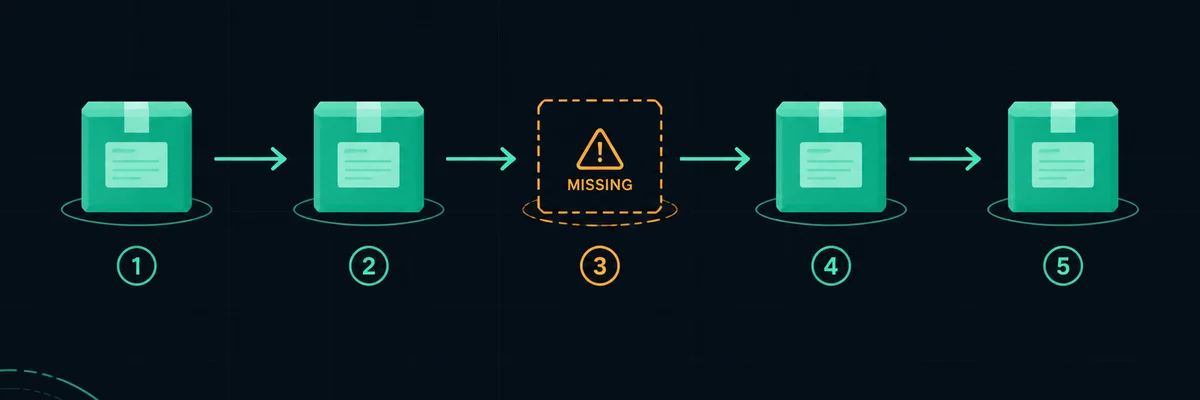
Symptom first: what loss actually looks like
Packet loss rarely announces itself as "loss". It shows up as movement snapping back. Abilities land a beat late. A hit that felt clean does nothing. Jitter and loss look similar in-game and have different causes. That is why a measurement matters more than a description.
Not sure where your problem is? Run the free test first — it takes about 45 seconds and tells you which of the fixes on this page actually apply to you.
Run the connection checkThe usual suspects, in order
- Wi-Fi. Interference and retransmission on a wireless link is the most common source of loss. Test with a cable before anything else.
- Congestion on your own connection. Anything uploading while you play can fill the uplink buffer. Backups, cloud storage, a stream you left open.
- A router that is too busy. Old or loaded routers drop packets first and report nothing. A reboot is a poor fix but a useful test.
- Double NAT or a poorly configured modem. Uplink problems introduce loss rather than latency.
- The path, not the endpoint. Loss that only appears at peak hours and only on routes you do not control is the case where a route optimiser is the right product.
How to prove where the loss is
You need two pieces of evidence, not one. First, does the problem follow you across different destinations? If every test point looks unstable, the loss is on your side of the first hop. If only one path is bad while others are clean, the problem is on that path.
Second, does it correlate with load? Run a measurement while a large download is saturating the connection. If latency and loss only appear under load, the answer is queue management on your router — SQM/QoS — not a subscription.
Our connection check gives you both: latency under load plus a 20 Hz tick-loop test that counts frames which never came back. It cannot see the path to Rivals' own servers, and it does not claim to.
What to do with the answer
If the evidence points at your link, fix that first. It is free and it is permanent. If the evidence points at a specific path at specific hours, a route optimisation tool is a reasonable thing to try. Ideally on a trial, and ideally measured before and after rather than judged by feel.
If everything is clean and the game still misbehaves, the remaining explanations are on the game side: server load, matchmaking, or the game's own netcode. Retries and server-side lag compensation are real, and no client tool changes them.